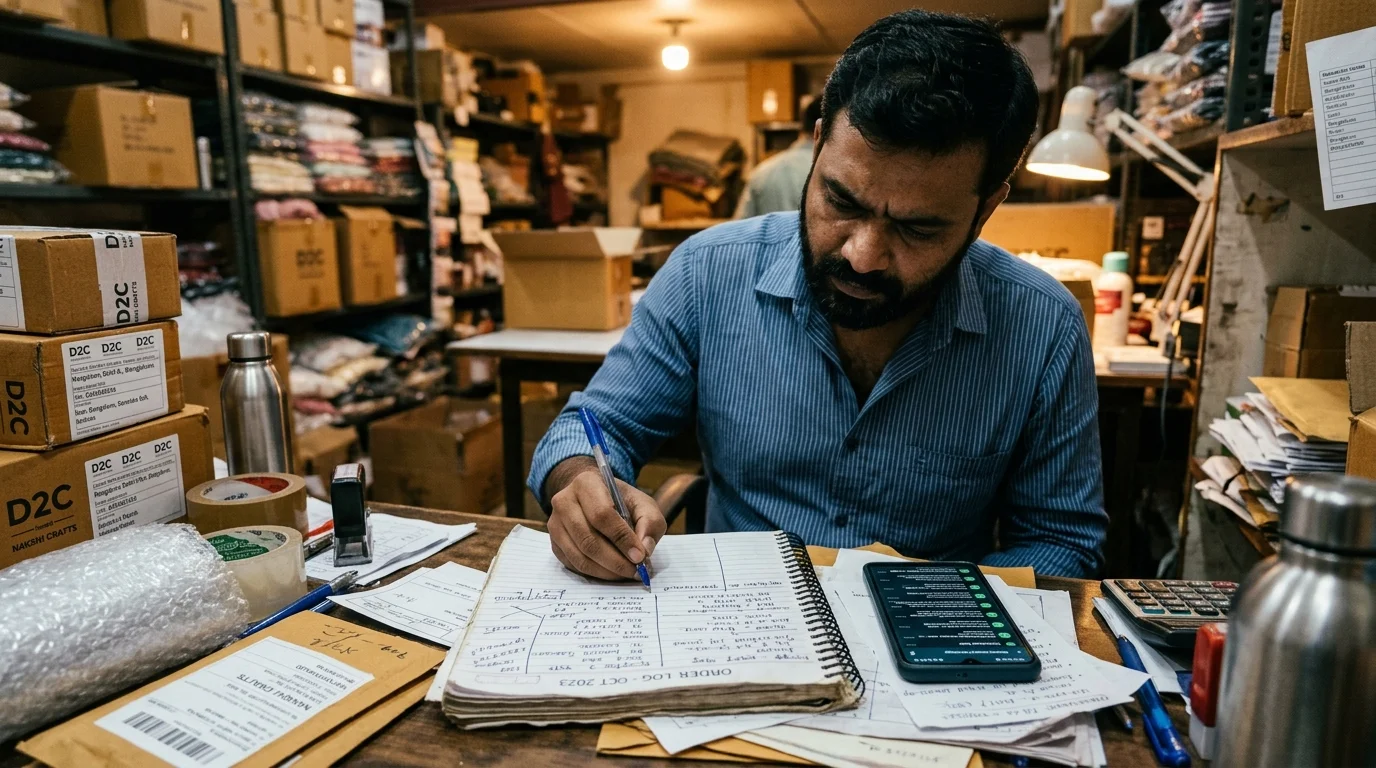
WhatsApp orders get lost in DMs because there's no system tracking who's paid, who hasn't, and who's still waiting on a reply, so it all lives in one seller's memory and a scroll-back habit that breaks down past a handful of orders a day. Fixing it means adding structure to the process, not adding more hours to your day.
What actually goes wrong
A customer messages. You reply. They ask a follow-up. You get distracted by another customer. By the time you come back, you've forgotten whether they paid, or whether you sent the address confirmation, or whether the order's even still live. None of this is a discipline problem. It's a volume problem. One person can hold maybe five to eight active conversations in their head at once. Past that, something gets dropped.
The three specific failure points
Payment verification is the first one. A screenshot comes in, and you have to manually check it against your bank app, then remember to confirm it back to the customer.
Order logging is the second. Without a system, "which orders are pending" lives in your memory or a notes app you forget to update mid-conversation.
Shipping handoff is the third. Even after payment, you still have to manually book a courier and remember to send the tracking link, usually hours or a day later than you meant to.
What actually fixes it
Each of these three failure points is solvable individually, a spreadsheet for order tracking, a separate payment app, a shipping aggregator. Most sellers cobble together exactly this, three or four tools, and the seams between them are where things still get lost.
The alternative is a single flow where payment, order logging, and shipping happen automatically the moment a customer pays, so nothing depends on a seller remembering to update a spreadsheet mid-conversation. That's the specific gap a proper WhatsApp storefront closes, not by replacing the conversation, but by removing everything that currently happens after it.
Stop losing orders in the noise.
The math nobody talks about
Pull up a Monday night. You run a Reel at 7pm. Within an hour, twelve DMs. Nine ask about sizing or fabric. Four of those also ask about shipping to a specific pin code. Two of those are from the same buyer, who has clicked into three product pages and is deciding. One of them is a repeat buyer who you remember used to order in medium but is asking about large today.
That is the state at 8:14pm. By 11:30pm, you have replied to six of the twelve, with varying accuracy. Two paid via UPI; one of those screenshots was for the wrong amount. The repeat buyer never got your reply because you got distracted by a phone call. Three went cold. One ordered through a competitor's bio link because they replied faster.
Twelve inbound. Three shipped orders. Nine lost. This is not a hypothetical, it is the exact Tuesday-morning math most Indian D2C founders live with. The shipped-order rate on raw Instagram traffic that goes through a manual DM funnel is typically below 25% in the categories we see. The remaining 75% is the opportunity cost of being a human sales desk.
Why the usual fixes don't work
Most sellers reach for one of three fixes, and each one addresses a symptom instead of the shape of the problem.
A support hire. You hire a cousin, a part-time friend, a staffer. Costs between ₹8,000 and ₹20,000 a month. Trains for two weeks. Then they go on leave for Diwali. Then they quit when they find a corporate role. The institutional memory of what each buyer asked is in a person who leaves. For brands at 50-200 orders a month this churn alone kills the ROI of the hire.
A chatbot. You install a flow-based bot that replies with a fixed menu. Buyer asks about fabric: the bot sends a canned link. Buyer asks about a specific pin code: the bot does not know, and the buyer leaves the chat. The bot handles the easy questions you were handling in two seconds anyway, and fails on the hard questions where you were earning the sale. Net improvement: zero. Sometimes worse because buyers now distrust the automated feel.
A broadcast tool. You buy Wati or Interakt and start sending broadcasts. Opens are high the first week, then crash as buyers mark the number as spam. The DM-to-sale conversation layer underneath, which was the original problem, is still manual. You now pay ₹2,500 a month for a feature you did not need and the hole you had is unfilled.
What a proper fix actually looks like
The real fix has three properties the usual fixes miss.
One, product-level context. When a buyer asks "will this fit a 42 chest in the olive linen," the system must know the fabric drape, the fit model, and your actual size chart. Not a template. The specific attributes of the SKU in the specific colour.
Two, continuity across the whole flow. The entity that reads the sizing question must be the same entity that sends the payment link, confirms the payment, and books the pickup. Every handoff between tools is where orders are lost.
Three, honest escalation. When the AI is uncertain, it must defer to the seller cleanly, in-chat, without pretending it knows. A system that bluffs on an authenticity question for a ₹20k shawl loses the sale and the brand's reputation at the same time.
This is the shape Behaf's AI sales agent is built on. The storefront, cart, checkout, UPI, COD, and tracking live inside WhatsApp. The agent reads product metadata directly from the catalogue, answers in your brand voice, upsells the pair that nine out of ten past buyers took, and routes to you only when it should not guess.
What changes in the first fortnight
Brands moving from manual DM to a WhatsApp storefront see the same three shifts in the first two weeks:
- Shipped-order rate from Instagram traffic climbs from under 25% toward 45-60%, because the chat-to-payment handoff no longer depends on seller availability.
- Average order value goes up through contextual upsell. A buyer who adds the olive linen shirt gets offered the matching chinos at the one moment they are already saying yes, not an untimed cross-sell email the next day.
- Seller hours spent on chat drop by 70-85%, because the only remaining human step is packing the box and the occasional edge-case handoff.
These are not projections, they are what the first dozen brands in Behaf's Founding 100 saw in the opening weeks. If the numbers do not land in that range for your category, something specific is misaligned, and we would rather catch that in week one than in month three.
How to switch over without disrupting the current flow
The usual worry is that migrating a WhatsApp sales motion means breaking the one that is currently generating revenue. It does not have to.
- Keep running the manual DM flow in parallel for the first week.
- Point your Instagram bio and your next ad batch at the Behaf link. Only new buyers land in the automated flow at first.
- Measure the gap between the old funnel and the new one. Shipped orders, average order value, response time, seller hours.
- At day 10, if the numbers justify it, switch the bio and ads fully. Old DM threads continue naturally in your WhatsApp; new ones route through Behaf.
- At day 30, if the numbers do not justify it, you leave with no fixed cost incurred, since Behaf's pricing is per shipped order rather than monthly.
The honest version is that most sellers who try this do not go back. The reason is not product affection, it is the hours. Once the 11pm DM is handled by something other than you, there is no voluntary return to the previous version of this job.